Welcome to Avero
Avero replaces the disconnected tools behind a winery's hospitality operation — reservations, floor, POS, CRM, wine club, events, and the winery's website — with one platform. This guide set gets your team running.
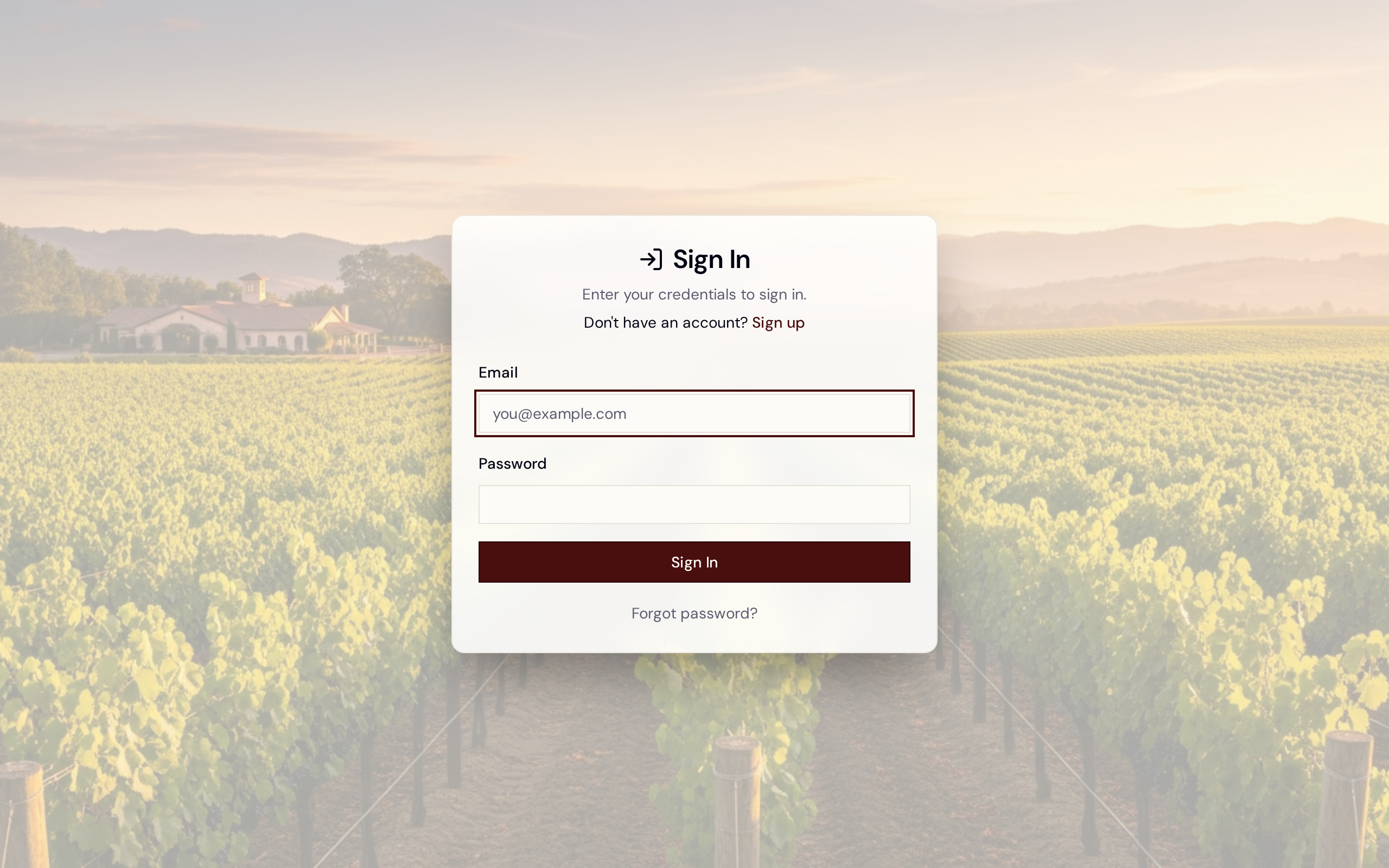
The Avero sign-in screen — the first thing you see when you land on Avero.
The very first time you sign in, Avero takes you straight to the Go-Live Setup wizard to configure your winery — not the dashboard. Start there: Onboarding — Go-Live Setup. Once you go live, signing in lands you on your dashboard.
These guides are a first pass for UAT and Pilot. Flows and screens will change as we validate them with your team — treat this as a starting point, not the final manual.
Where you sign in
Avero has three places people sign in:
- Staff app —
your-winery.averoguest.com. The tasting room team, managers, and admins run the day here: floor, reservations, POS, CRM, wine club, and events. This is where the sign-in screen above lives. - Storefront —
your-winery.averoguest.com/shop. Where your guests and club members buy online and manage their membership. - Companion app — the phone/tablet app for the floor. See Get the Companion app.
Who does what
Access is controlled by roles (Settings → People and Access). The full set is covered in Invite your team; the ones you'll use most:
- Admin — full access, including company settings and billing.
- Manager — runs operations: reservations, floor, POS, guests, wine club, events.
- Host / Ambassador / Server — front-of-house roles for intake, seating, and taking orders.
Start here
- Onboarding — Go-Live Setup — the wizard you land in on first sign-in; get your winery live.
- Invite your team — add staff and assign roles.
- Floor & seating and Reservations & availability — get ready to take guests.
- Build your Avero site — the hosted website builder (a paid add-on): publish your winery's marketing site on your own domain.